
Start in ChatGPT
Idea · draft · refineBring an idea, ask for a draft and work on the content before making it public — then send it into Cambiante Content Manager.
Draft LinkedIn posts in ChatGPT or the Cambiante Content Manager portal, review them deliberately, then schedule or publish — your words, your account, your timing.
LinkedIn first — personal-profile text and image publishing, review and scheduling. Instagram, Facebook and YouTube are planned for October 2026.
Bring an idea, ask for a draft and work on the content before making it public — then send it into Cambiante Content Manager.
Check your text, image and target account. Use approval where required and explicitly confirm immediate publishing.
Pick a date and time for each approved post, or keep it as a draft until you are ready.
Manage schedules in the portal and check post status, including failures that need your attention. A scheduled time is not proof of publication.
Authorization happens on LinkedIn’s own sign-in screen, so your password never passes through Cambiante.
Connect LinkedIn, create and review posts, and manage schedules from the portal alone.
Personal-profile text and image publishing, review and scheduling — available today.
Not available to connect yet. Targeted for October 2026, subject to Meta’s provider approval.
Not live yet — planned for October 2026 alongside Instagram, once implementation is ready.
Planned for October 2026, pending Google’s API approval for publishing.
Sign in to Cambiante and authorize your LinkedIn account. You enter your LinkedIn password only on LinkedIn.
Work in ChatGPT or the portal. Add your text and image, then check the selected account and the post preview.
Approve a post that needs review and confirm its schedule. Immediate publishing is a separate, explicit action.
Follow the post status in Cambiante Content Manager. A scheduled time is not proof of publication; check the published result or any reported error.
Authorize LinkedIn, draft in ChatGPT or the portal, review deliberately, then schedule or publish. Follow status in Cambiante Content Manager — including failures that need attention.
Step 01 of 03
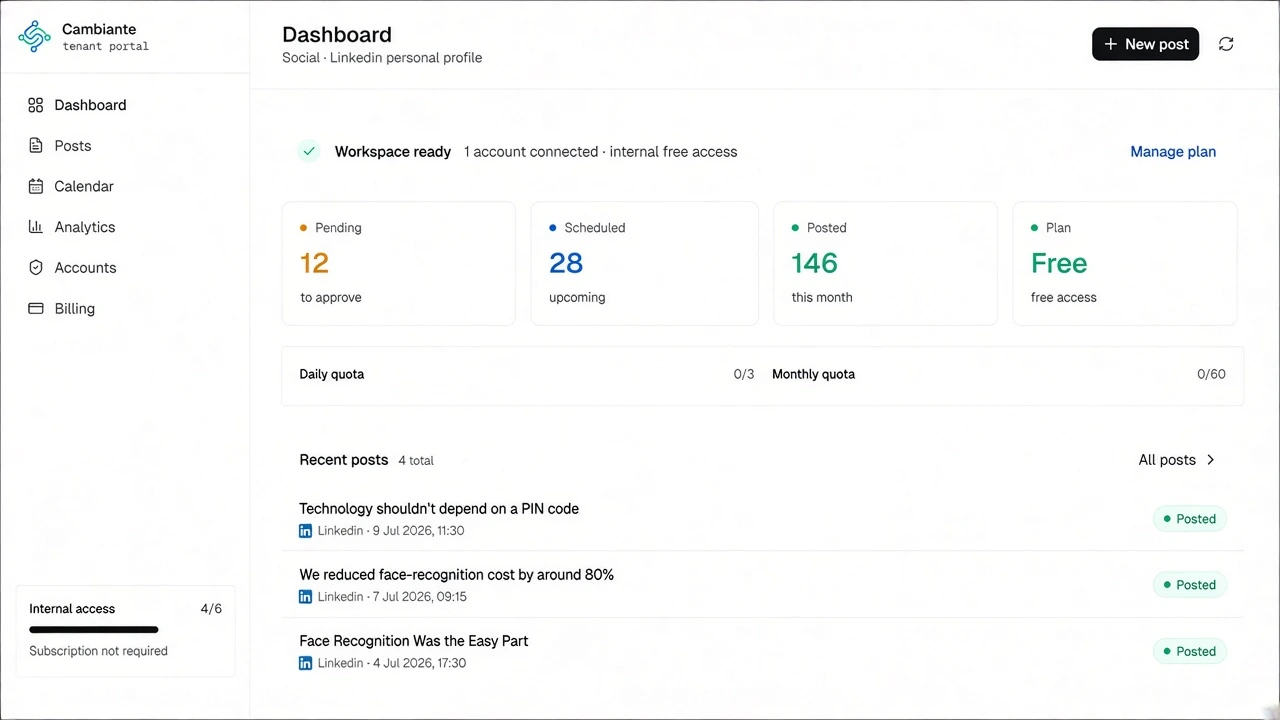
/ portalPending approvals, scheduled posts, posted count and plan status — plus workspace limits and a recent-posts feed for your connected LinkedIn account.
Step 02 of 03
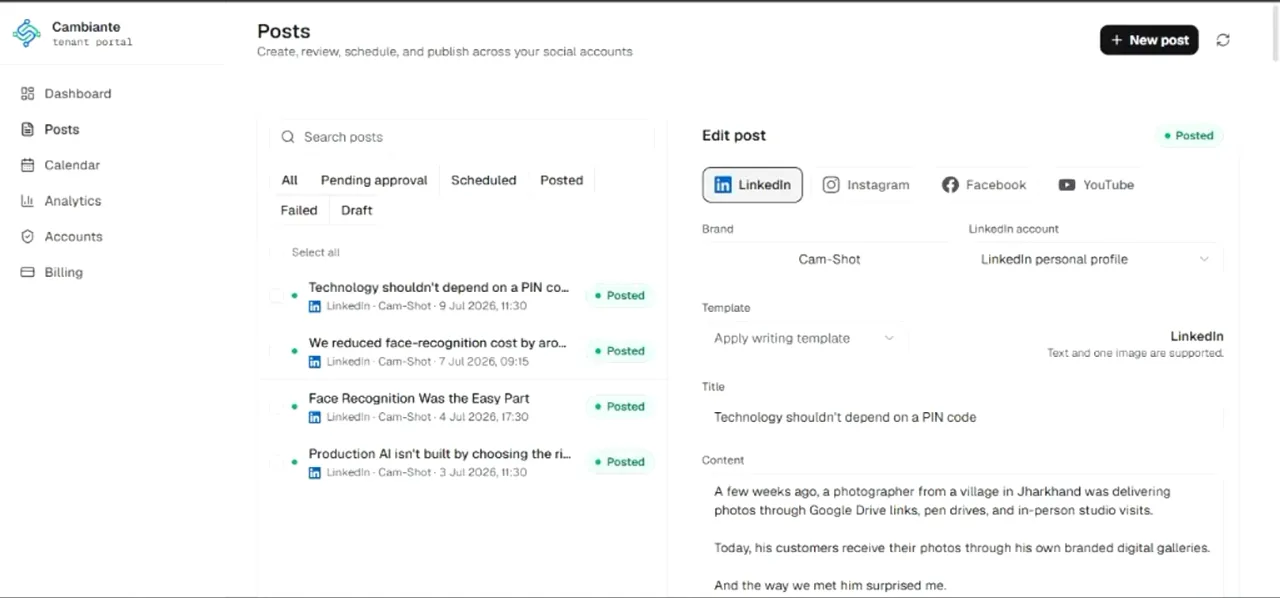
/ postsFilter All, Pending approval, Scheduled, Posted, Failed and Draft — edit account, title and content for LinkedIn text and image posts.
Step 03 of 03
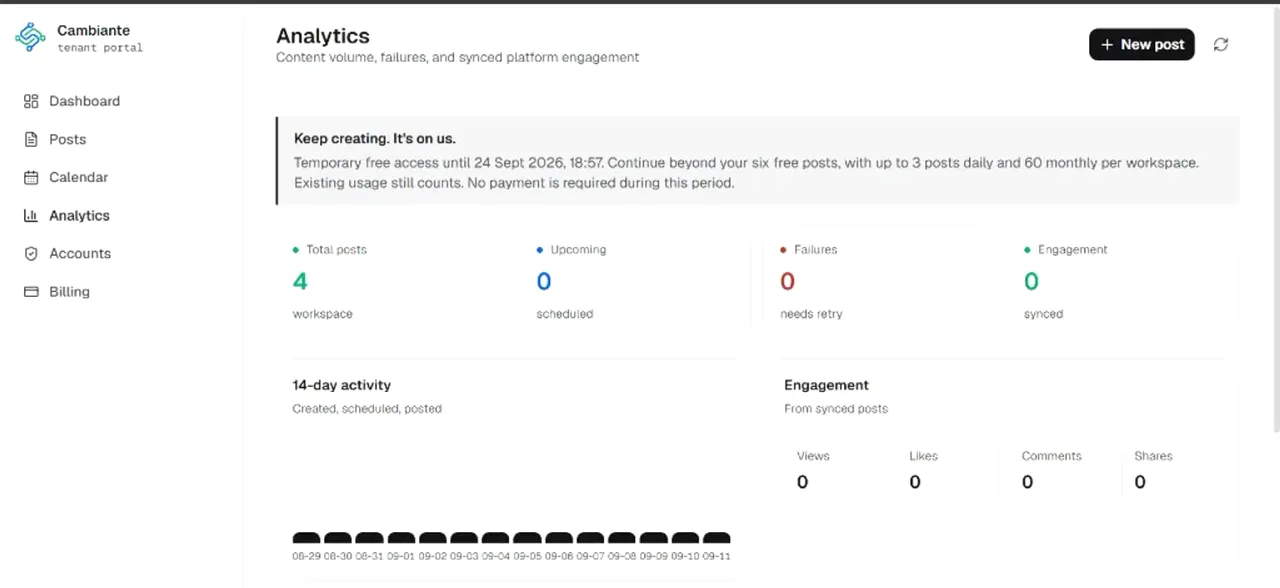
/ statusFollow post status in Cambiante Content Manager. Advanced company Page workflows and analytics are in V2 testing and not part of the current public release.